Artist Mix
Pick the artists you want at the center of a session. Combine favorites or start from a catalog you want to explore.
Discovery & radio
An artist. A favorite album. A genre you haven’t explored in a while. Or a station you always come back to.
Pick the artists you want at the center of a session. Combine favorites or start from a catalog you want to explore.
Select albums as your starting points. Build a listening session around releases you have in mind.
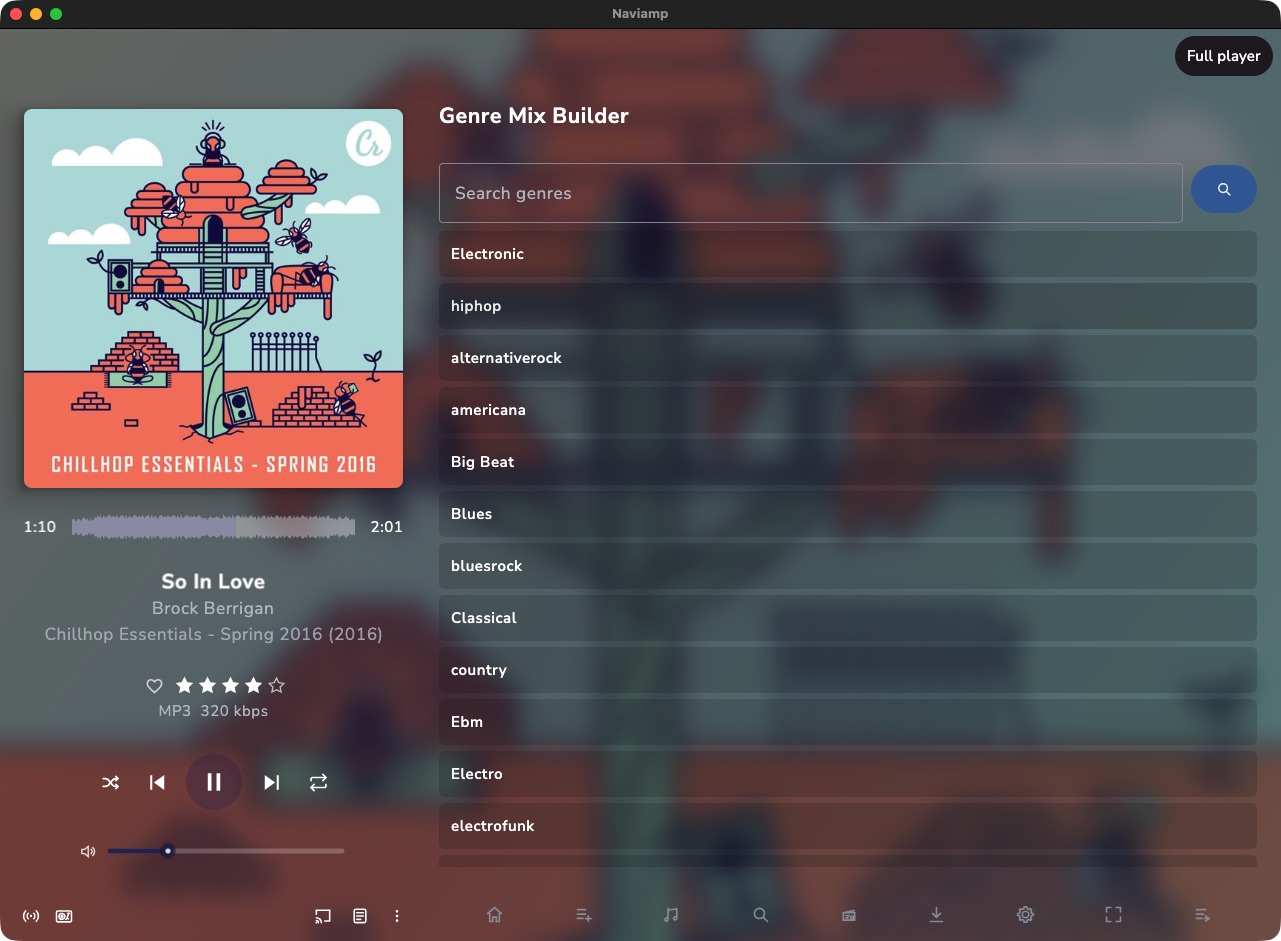
Start with your library’s genre tags. When a library-specific hierarchy is available, expand subgenres or include a broader parent genre.
Start a session from a song and explore related music. The results depend on the endpoints and data your source provides.
Generated queues are yours to shape. Reorder tracks, remove something, or save a mix as a regular playlist when your source permits playlist writes.
Sonic Mix blends multiple seed tracks. Sonic Path finds a musical route between two tracks. Related tracks and sonic autoplay help extend a session.
These features need a server advertising compatible sonic similarity support with analysis data available. They are not enabled by the public Navidrome demo used for these screenshots.
Artist, Album, and Genre Mix builders provide other starting points when that enhancement is unavailable.
Read server requirements →Internet radio
Browse, add, edit, and play internet-radio stations alongside your own collection. When a stream supplies live metadata, Naviamp shows what’s playing.
Saved station management follows the radio APIs and permissions provided by your server. A station stream also needs to be reachable from the device doing the playing.
Library radio and mix builders draw from your collection. Internet radio tunes into a station’s stream—two different ways to leave the next choice to the music.
Two ways to let it play
Mixes · artist and album radio · sonic discovery
Internet streams · live metadata when available